New Tools to Interpret Lab Results with Confidence

Ordering labs is easy — it’s interpreting results that takes brain power. Gain deeper insights faster, free up headspace, and access expert support when you need it with these new features.
Learn more about new features that will help you go from insights to action, faster.
Blood lab interpretations
What’s new
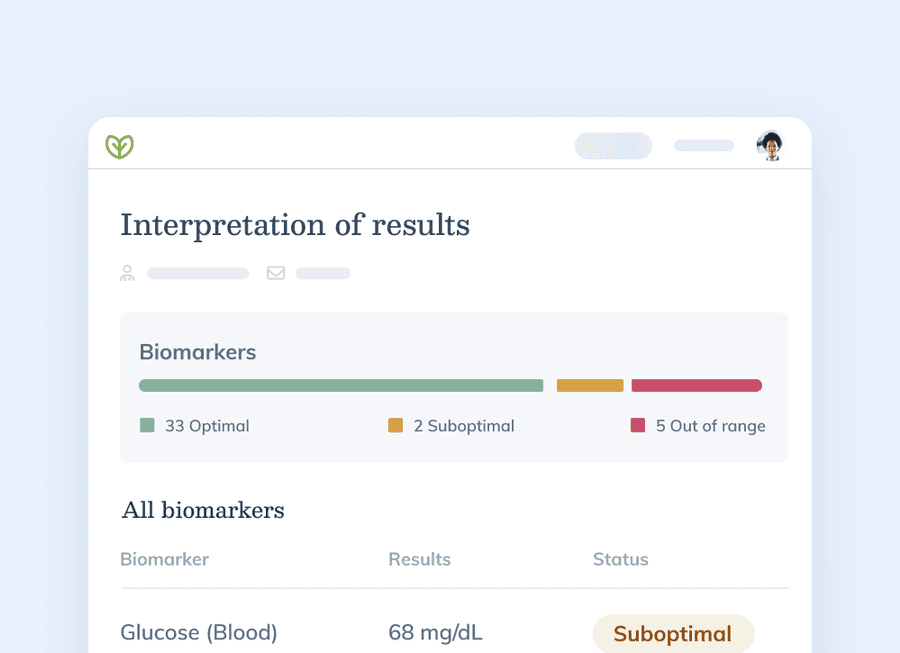
Review every lab result in the same clear report. Every blood lab result on Fullscript from Quest, Access Medical, and Access Labcorp Draw now includes an interpreted report, complete with optimal ranges and visuals that help you make evidence-based care decisions more efficiently.
Here’s how it works:
- When results are ready, providers can choose to either download the original lab report – or click ‘view results’ to access Fullscript’s interpretation layer.
- Every interpretation is designed with functional biomarker ranges – developed and maintained by Fullscript’s Medical Advisory Team, drawing from peer-reviewed and trusted medical sources like PubMed, ScienceDirect, the CDC, Cleveland Clinic, and the Merck Manual.
- At the top of your interpretation, you’ll see a bar graph showing both the standard reference range and the functional range based on optimal, suboptimal, and out of range results.
- For repeat tests, every marker will show a trend so you can measure progress over time.
- Every suboptimal and out of range result is paired with a drafted interpretation, ready for your review.
This release helps providers:
- Save time reviewing lab results and tracking changes over time.
- Quickly address out-of-range and suboptimal markers that may warrant intervention.
- Personalize reports before sharing them with patients.
- Reduce the administrative burden of lab interpretation so they can focus more on clinical decision-making and patient care.
Clinical consultations
What’s new
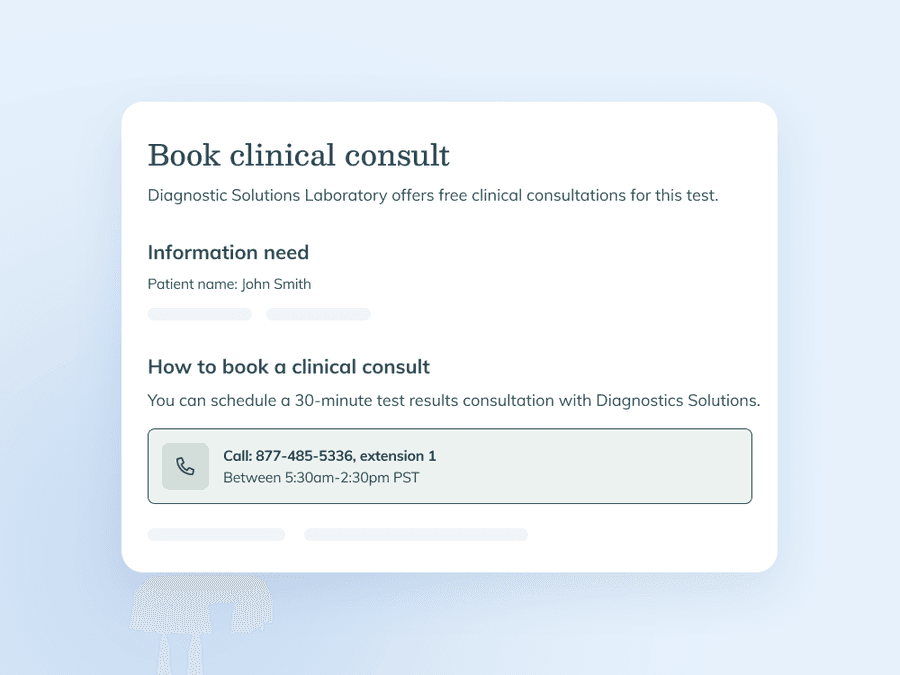
Get expert advice on specialty results. Connect directly with lab company specialists to gain deeper insights into patient results, helping you make informed treatment decisions with total confidence.
Here’s how it works:
- Once all results for an eligible specialty test are available, you'll see a ‘Book clinical consultation’ option under ‘Links and documents’ on the results page.
- Select the option to view consultation details. Depending on the lab, you'll find any information needed from your account, instructions for booking by phone or through the lab's online scheduling link, and helpful resources, including interpretive guides and educational materials from select labs.
- Follow the instructions provided to schedule your complimentary consultation directly with the lab.
This release helps providers:
- Access expert guidance on complex specialty lab results to improve clinical decision-making.
- Save time by locating booking links and contact information directly on the results page.
- Strengthen confidence in treatment plans through direct communication with lab specialists.
Clinical consultations are only available for orders where the ordering practitioner is selected as the signing practitioner. Orders placed through the authorization network are not eligible for clinical consultations through Fullscript.
The bottom line
Lab results are only valuable when you can confidently turn insights into action. With interpreted blood lab reports and access to specialty lab consultations, Fullscript helps providers spend less time navigating complex results and more time delivering personalized care.